An RSS reader for iPhone, iPad and Mac

The news, in black and white.

graynews is a quiet place to read the sites you care about. Follow the papers you like, read the whole story, and put your phone down when you're done.

Key features

Add any paper

Search more than 1,100 publishers by name, or paste a website and graynews finds the feed. The directory lives in the app, so your searches stay on your phone.


Highlights

With graynews pro, select a passage in any story and tap Highlight. The Highlights page collects every story you’ve marked, with its passages in reading order, so the good part is easy to find again.

A domed library reading room (Original)
A domed library reading room (graynews)
Original graynews

Printed on paper

Every photo is printed the way ink sits on newsprint, in black and white with a little dot gain. Drag across the photo to see the difference. Light by day or dark at night, it still reads like a paper.

graynews pro

graynews is free for up to 3 feeds, and without an account they stay on this device. graynews pro lets you follow as many sites as you like, save stories for later, highlight passages and keep a history of what you’ve read. It adds an account with Apple or Google sign-in, so all of that follows you to every iPhone, iPad and Mac you sign in on. It’s $4.99 a year, and you can cancel any time in your App Store settings.

Privacy

No account unless you want one.

The free version of graynews keeps your feeds on your phone, and it only talks to the sites you choose to follow. An account only exists if you buy graynews pro to sync, and even then my server keeps your list of feeds, the headlines you saved or opened, and the passages you highlighted. It never keeps the stories themselves.

No account required

Open it and start reading. There's no email to hand over unless you want sync.

No ads

Nobody pays to be in your feed. Every story comes from a site you added yourself.

No tracking

No analytics and no tracking code. If you use History with pro, it syncs so you can see it on every device, and that's all it's for. You can turn it off or clear it in Settings.

Read the privacy policy

Everywhere you read

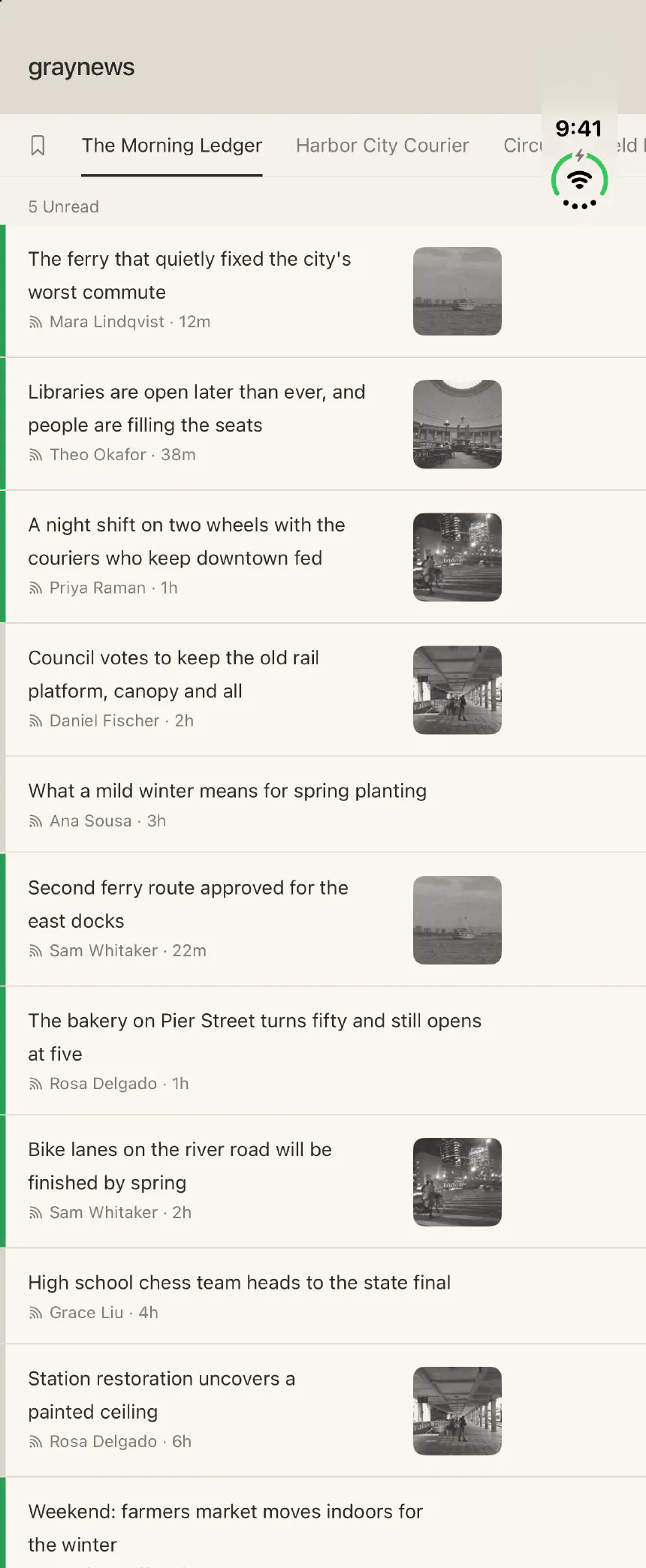
Made for iPhone, iPad and Mac.

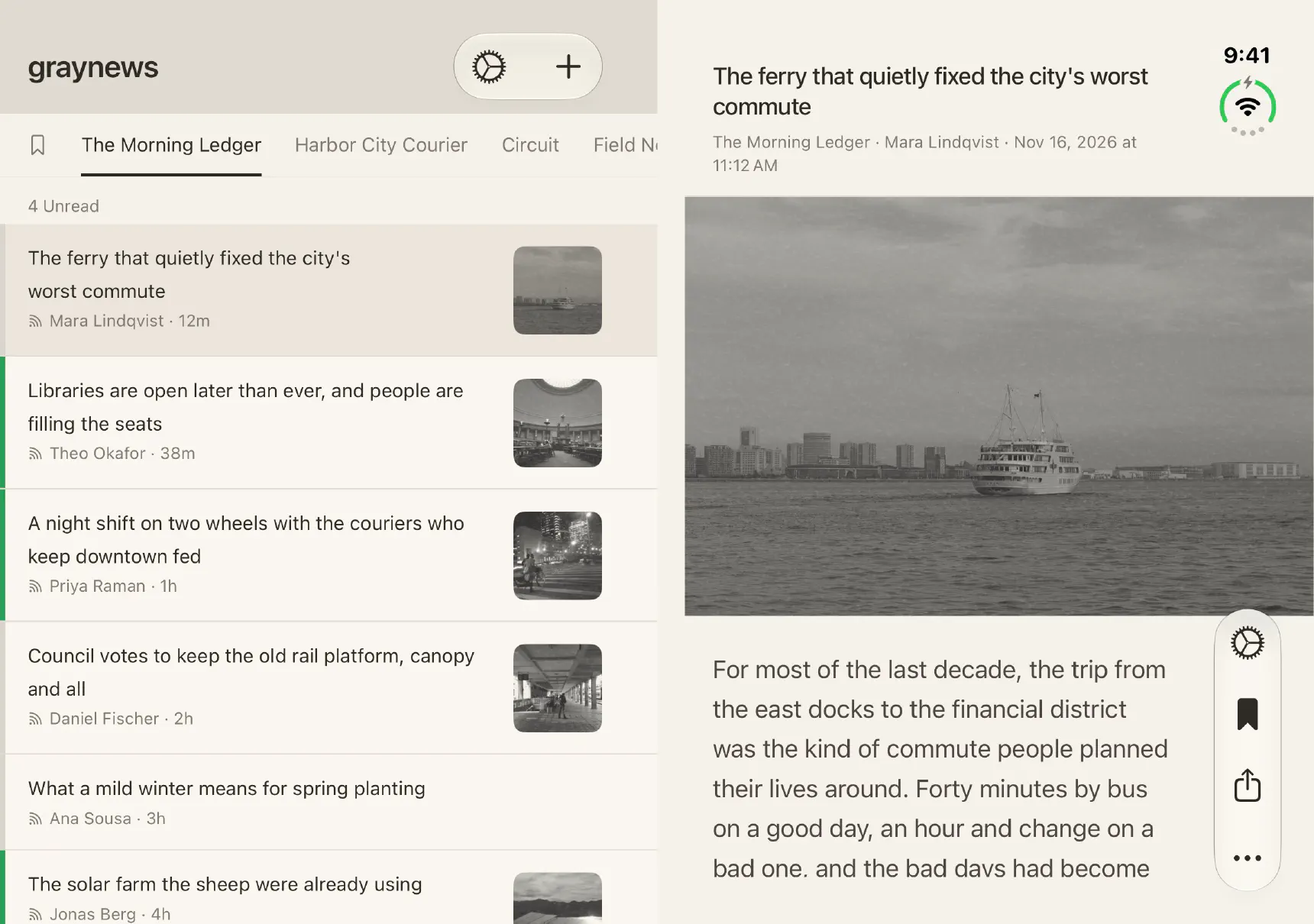
On iPad and Mac, your feeds sit beside the story, so you can read one and line up the next.

iPad

iPhone Duo

Optimized for iPhone Duo.

Folded, graynews is a phone app you can read with one hand. Open it and your feeds sit beside the story on the big inner screen.

Support

Questions, answered.

Something not working, or an idea for what's next? I read every message.
Send me a note

How do I add a feed?

Tap +, then type a publisher’s name, a website, or a feed address. Pick a result and tap Add Feed. To rename, reorder or remove feeds, open Settings and choose Manage Feeds.

Why is everything gray?

That’s the idea. Most news apps are built to grab your attention, with color doing a lot of the grabbing. graynews is meant to feel more like reading a paper, so the app and the photos are black and white. The exceptions are the green line that marks unread stories and the soft yellow of your highlights.

A story only shows a summary, or won't load.

Some sites only put a summary in their feed, and some block apps from reading the full text. When graynews can’t get the whole story, it opens the original page inside the app. To read it in your browser instead, tap … and then Open in Browser.

Do I need an account? Where's my data?

No account required. Without one, your feeds and settings live on your device, and deleting the app deletes them. With graynews pro, your feeds, saved stories, History and highlights are also stored on my server so they can sync, and you can delete that account from the app at any time (Settings, then Delete Account). The privacy policy has the details.

Will it sync between my devices?

Yes, with graynews pro. Sign in with Apple or Google on each device, and your feeds, saved stories, History and highlights show up on all of them. The free version keeps everything on the device you’re using.

Does graynews cost anything?

graynews is free to download, and you can follow up to 3 feeds without paying or making an account. graynews pro is $4.99 a year. It adds saved stories, highlights, reading history, as many feeds as you like, and sync between your devices. It renews each year until you cancel, and you can cancel any time in your App Store settings. There are no ads either way.

How do I highlight something?

With graynews pro, select text in a story and tap Highlight. On a Mac, right-click the selection instead. To remove one, tap it (or right-click it on a Mac) and choose Remove Highlight. Every story you’ve highlighted shows up on the Highlights page, one swipe to the left of Saved.

What happens if I stop paying for pro?

Nothing disappears. Stories you saved stay saved, your highlights and History stay where they are, and feeds you added past the free limit keep working. You just can’t save, highlight, add to History or add more feeds until you go pro again.

Read the news. Then put it down.

graynews is free on the App Store for iPhone, iPad and Mac.

Download on the App Store